
Best in class IT for events
Best in class IT for events
Getting internet to an empty field, keeping ticketing and payments online, and coping when the crowds arrive.
Festival WiFi is harder than WiFi almost anywhere else. Most sites start as an empty field with no internet connection, no cabling and no power where you need it. Then tens of thousands of people arrive at once, all expecting their phones to work, while ticket scanners, card machines, stage production and security teams all depend on the same network.
This guide explains how to plan WiFi for a festival or any outdoor event: what the network needs to carry, how to get internet to the site, how to design coverage that copes with crowds, and what to check before the gates open.
Start with a list of everyone and everything that needs to connect, in order of priority. Public WiFi is usually the most visible part of festival WiFi, but it is rarely the most important.
Each group should have its own network, kept separate from the others and with its own priority. If the public WiFi gets busy, payments and ticketing should not notice.
A field has no internet connection, so you need to bring one in. The usual options are:
For anything that matters, plan at least two independent connections, so one failing does not take the event offline.
You do not need even WiFi across every square metre of the site. You need strong, high-capacity coverage where people gather and where business happens: entrances, bar and food areas, stages, VIP areas, production and control points.
Every access point, switch and camera needs power, and generators are not always where your network needs them. Agree power positions early with the site team, put the core network on a UPS so a generator change does not reboot everything, and keep spare equipment on site.
Card payment networks should never share a network with public WiFi; card industry security standards expect them to be kept separate. Use firewalls between networks, change default passwords, and monitor for rogue access points or unusual traffic throughout the event.
Test coverage and speed across the site before the gates open, including at the entrances and payment points under load. During the event, a monitoring system should show the health of every access point and switch, with engineers on site to move equipment, fix faults and respond before guests notice. Afterwards, a post-event report on devices, bandwidth and problems makes next year’s plan better.
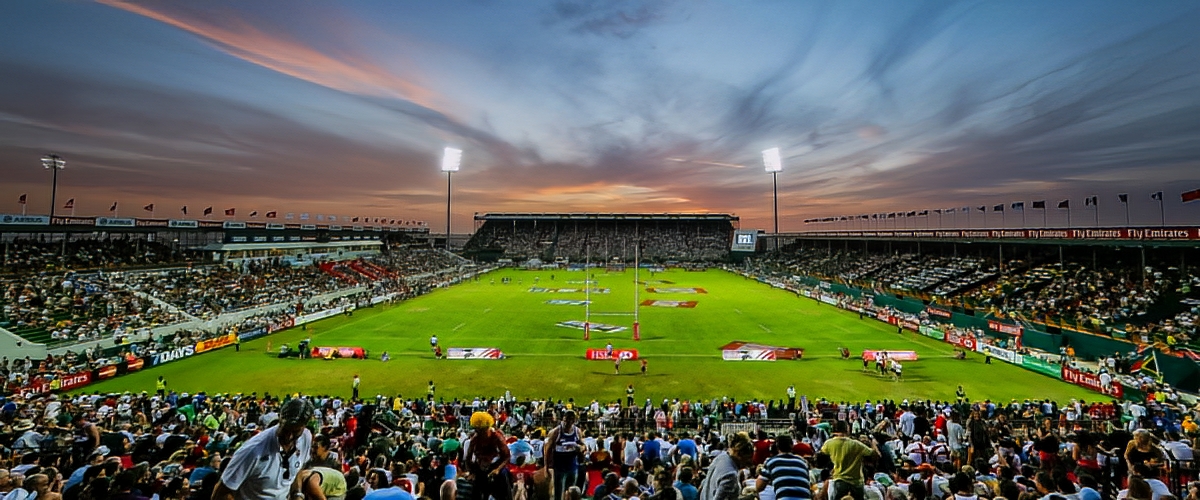
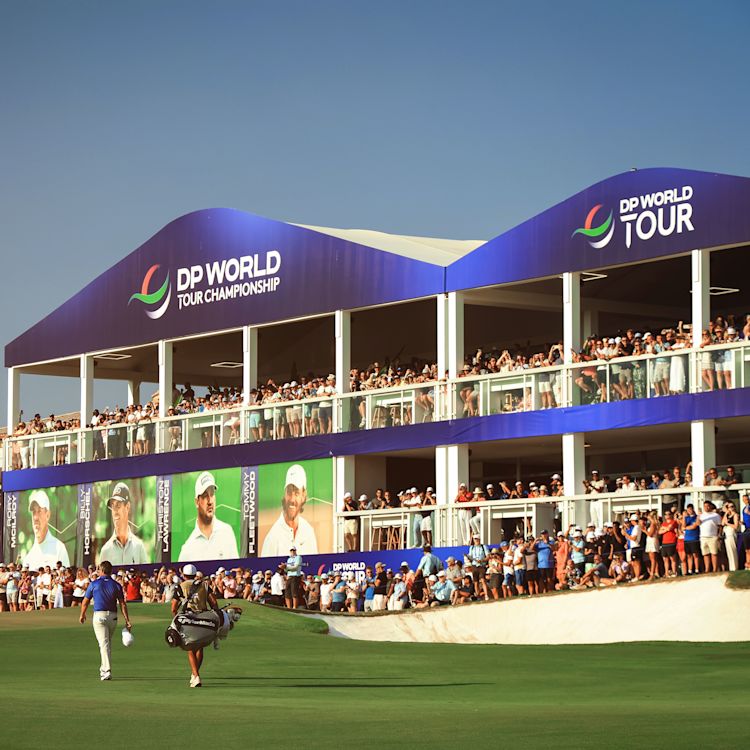
Create Live designs and runs event WiFi for festivals, concerts and outdoor sports across the UK, the UAE and Saudi Arabia. At SoleDXB we delivered full-site connectivity across stages, vendor zones and entry points, keeping ticketing, POS terminals and live content online. Read the festivals case study or browse more event IT guides.

A stage-by-stage checklist of the technology decisions every event needs to make, from venue confirmation to the post-event report.
How branded splash pages, logins and sponsor messages turn event WiFi into a marketing channel, and how to stay on the right side of data protection rules.
Temporary WiFi designed, installed and monitored 24/7 by our engineers, for events of every size.
You bring internet to the site with a fixed line or fibre where possible, bonded 4G or 5G routers, or satellite, ideally with at least two independent connections. A network of outdoor access points, linked by fibre or wireless links, then spreads it across the areas that need it.
Not always. Ticketing, card payments, production and security need a reliable network far more than the public does. Public WiFi is worth adding where mobile signal is poor or where you want to use a branded captive portal for marketing and sponsors.
As soon as the site and dates are confirmed. Fixed internet connections can take weeks or months to install, and the network design affects where you need power and structures.
Yes, on a separate, secured network kept apart from public WiFi. Many card terminals also have their own 4G connection, which makes a useful backup.
It depends on attendance and on what has to stay online. Plan first for ticketing, card payments, production and staff, then size any public WiFi on top. Bonded 4G and 5G or satellite links can be combined so one failure does not take the site offline.
It depends on the size of the site, how many people need to connect, how internet reaches the field and how long the event runs. We survey the site first and send a fixed quote. See event WiFi hire.
Yes. Create Live provides festival and event WiFi across the UK, the UAE and Saudi Arabia.
Tell us about your site, dates and expected crowd and we’ll come back with a plan for your festival WiFi.