
Guide · Planning

Event IT checklist: WiFi, network, CCTV and payments

The technology decisions every event needs to make, stage by stage, so nothing is left until build week.

Technology is one of the easiest parts of an event to leave too late. The WiFi, network, CCTV and payment systems are invisible when they work, and the first thing everyone notices when they do not. Many decisions, such as ordering an internet connection, have long lead times that cannot be rushed in build week.

Use this event IT checklist alongside your main event planning checklist. It is organised by stage, from confirming the venue to the post-event report.

As soon as the venue is confirmed

  • Check the venue’s internet and network. Find out what connection exists, how fast it is, whether you can use it, and what it costs. Many venues have WiFi that suits day-to-day use but not a full event.
  • Order extra or temporary connectivity. If you need a dedicated line, order it now; installation can take weeks or months. Plan a backup, such as bonded 4G or 5G or satellite.
  • Name a technology lead. One person on your team who owns WiFi, network, CCTV and payments, and talks to every supplier.

During planning

  • List every user group and device. Ticketing and registration, card payments and POS, production and AV, staff and operations, security and CCTV, exhibitors, press, speakers or artists, and guests.
  • Estimate peak numbers. Plan for the busiest moment, not the average, and assume most people carry more than one device.
  • Book a site survey. A walk-round, or a review of floor plans and site drawings, shows where equipment, cabling and power need to go.
  • Agree the network design. Separate networks for each group, priority for payments and ticketing, and bandwidth limits for public WiFi.
  • Plan CCTV. Agree camera positions with your security team: entrances, crowd areas, stages, cash points and back-of-house.
  • List hardware. Laptops, printers, POS terminals and other equipment to rent, and who will set it up.
  • Check data protection. If you capture guest data through WiFi logins or registration, make sure consent and privacy notices meet the rules where you are operating.
  • Confirm power. Every access point, switch and camera needs power; agree positions with the venue or site team.

Build week

  • Install and label everything. Cabling, access points, switches and cameras, installed around other contractors’ schedules.
  • Test under realistic load. Check coverage and speed in every area, especially entrances, registration and payment points.
  • Test every payment terminal and scanner on the network it will use on the day.
  • Brief your team. Network names and passwords for each group, who to call for support, and what to do if something fails.

Show days

  • Monitor in real time. Watch access points, bandwidth, camera feeds and payment connectivity throughout the event.
  • Keep engineers and spare kit on site from doors open to close.
  • Keep a log of issues and how they were fixed.

After the event

  • Teardown and collection of all equipment.
  • Post-event report: peak devices, bandwidth used, problems and recommendations for next time.
  • Handle captured data as your privacy notice promised, including deleting what you no longer need.

Questions to ask any event technology supplier

  • Will you survey the site, and who designs the network?
  • How will payments and ticketing be protected when the public WiFi is busy?
  • What is the backup if the main internet connection fails?
  • Will engineers be on site for the whole event, including overnight for multi-day events?
  • How do you monitor the network during the event?
  • What will we get in the post-event report?

How Create Live can help

Create Live handles the whole event technology stack, from event WiFi and network design to temporary CCTV, equipment rental and on-site support, for events across the UK, the UAE and Saudi Arabia. Planning an outdoor event? Read our festival WiFi guide.
Keep reading

More on event technology

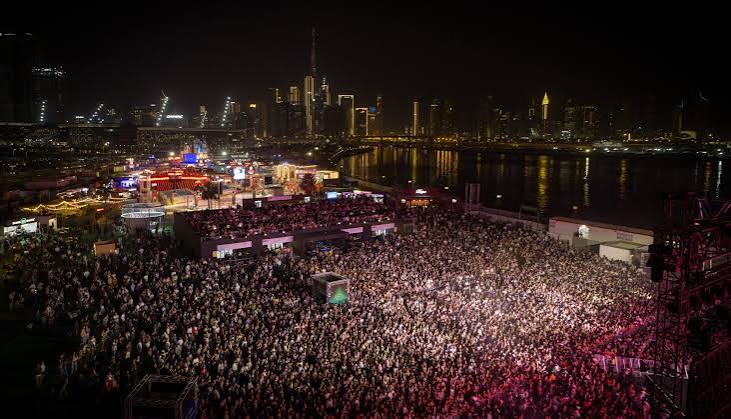
Sole DXB with Dubai Skyline 2
Guide · Festivals

Festival WiFi: planning WiFi for outdoor events

How to get internet to a field, what the network has to carry, and how to keep ticketing and payments online when the crowds arrive.
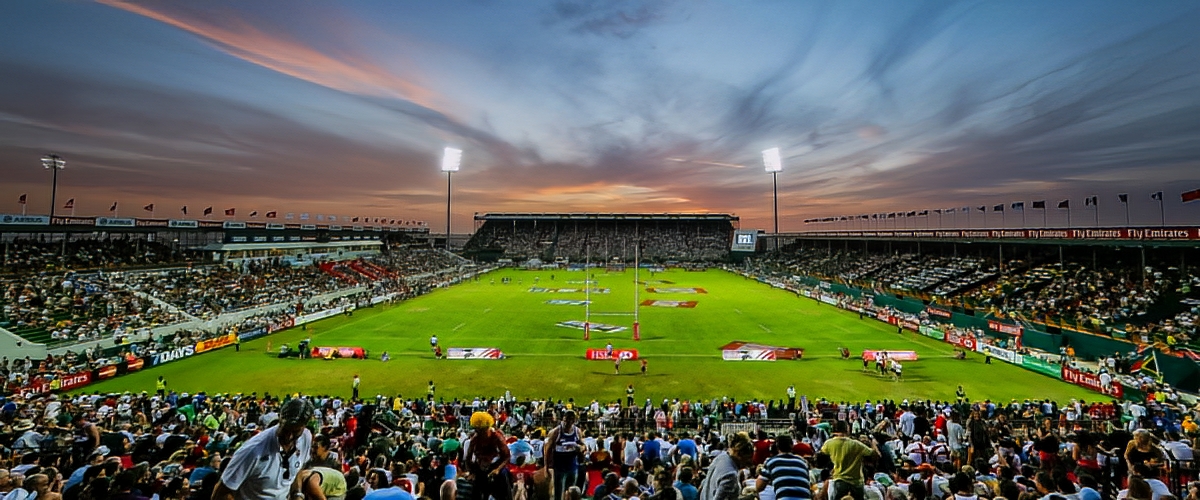
Rugby Rugby 7s
Guide · Guest WiFi

Captive portal WiFi for events

How branded splash pages, logins and sponsor messages turn event WiFi into a marketing channel, and how to stay on the right side of data protection rules.
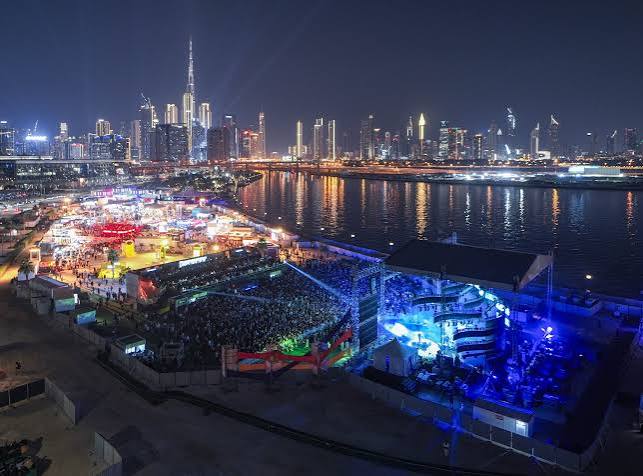
Sole DXB with Dubai Skyline
Service

Temporary CCTV hire

Cameras planned with your security team, built onto the event network and monitored for the whole event.

FAQs

Event IT planning questions

When should we start planning event IT?

As soon as the venue is confirmed. Internet connections can take weeks or months to install, and the network design affects power, cabling and where equipment goes.

Is the venue’s WiFi enough for our event?

Often not. Venue WiFi is usually designed for everyday use, not for thousands of people, payment terminals and production all at once. Ask for its capacity and test it, or plan a dedicated event network.

What should be on a separate network?

Card payments, ticketing and registration, production, staff and operations, security cameras and public guest WiFi should each have their own network, with priority for the systems the event cannot run without.

What should a post-event IT report include?

Peak device numbers, bandwidth use, any incidents and how they were fixed, and recommendations for next time.

Want help with your event IT?

Tell us about your venue, dates and audience and we’ll help you plan the WiFi, network, CCTV and payments.