
Best in class IT for events
Best in class IT for events
How branded splash pages, logins and sponsor messages turn your event WiFi into a marketing channel.
A captive portal is the page guests see when they first join an event WiFi network, before they get online. It is the same idea as the login page at a hotel or airport. At an event, it can do far more than ask people to accept terms: it can carry your branding, show sponsor messages, collect opt-ins and tell you how people use the site.
This guide explains what captive portal WiFi is, how event organisers and venues use it, how to stay on the right side of data protection rules, and how to design a portal guests will actually complete.
When a device connects to the WiFi network, the network holds it at a web page, the captive portal, until the guest completes a step: accepting terms, entering an email address, signing in with a social account or entering a code from their ticket. Once they complete it, they are online. Because every guest passes through the same page, it is valuable space for the organiser.
If your captive portal collects personal data, data protection law applies. In the UK that means UK GDPR and, for marketing emails and messages, PECR. The UAE and Saudi Arabia have their own personal data protection laws. The details differ, but the same good practice applies everywhere:
This is general guidance rather than legal advice; check the rules that apply to your event with your data protection adviser.
Not necessarily. A captive portal platform can often sit on top of the event WiFi or a venue’s existing network, managed through an online portal. What matters more is that the WiFi underneath has the capacity for the crowd; a beautiful splash page does not help if the network behind it is overloaded. Our festival WiFi guide explains how to plan for that.
Create Live’s guest WiFi platform manages the whole experience: login methods, branded splash pages, promotions and advertising, data capture and reporting, and it works with your existing WiFi. We also design and run the event WiFi underneath it. See all our event IT services.
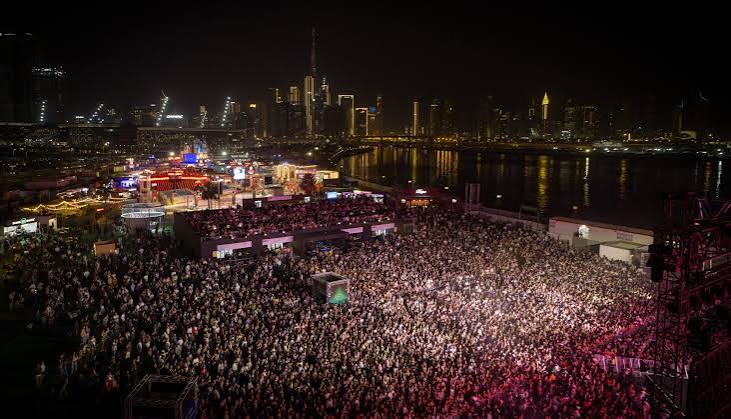
How to get internet to a field, what the network has to carry, and how to keep ticketing and payments online when the crowds arrive.

A stage-by-stage checklist of the technology decisions every event needs to make, from venue confirmation to the post-event report.
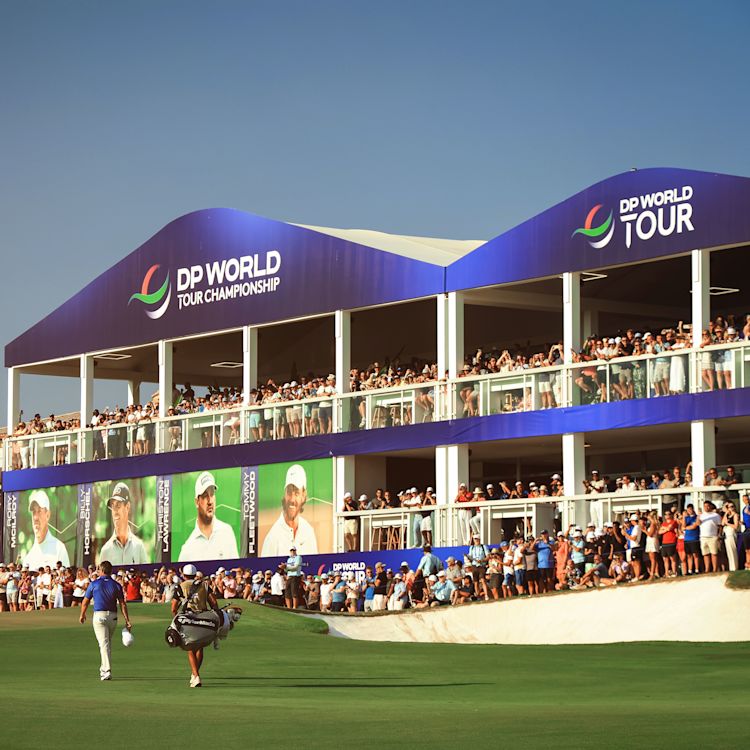
Temporary WiFi designed, installed and monitored 24/7 by our engineers, for events of every size.
A captive portal is the web page a guest sees when they join a WiFi network, before they get online. It can show branding and terms, offer login options and collect consent-based data.
Yes. Sponsor logos and messages on the splash page, or a “WiFi powered by” sponsorship, are common ways to turn event WiFi into revenue.
Yes, if you follow data protection rules: a clear privacy notice, separate opt-in consent for marketing, and only collecting what you need. In the UK, UK GDPR and PECR apply; the UAE and Saudi Arabia have their own data protection laws.
Often, yes. A captive portal platform can usually sit on top of an existing network, but the WiFi underneath still needs enough capacity for the crowd.
Tell us about your event and sponsors and we’ll show you how a branded guest WiFi portal could work.